- Skills live under Connect apps, not on a bot's profile.
- A morning routine can refresh a private fleet dashboard Page.
- Track job, routines, health score, chat size and usage per bot.
- Skills are shared: fix once, every bot benefits.
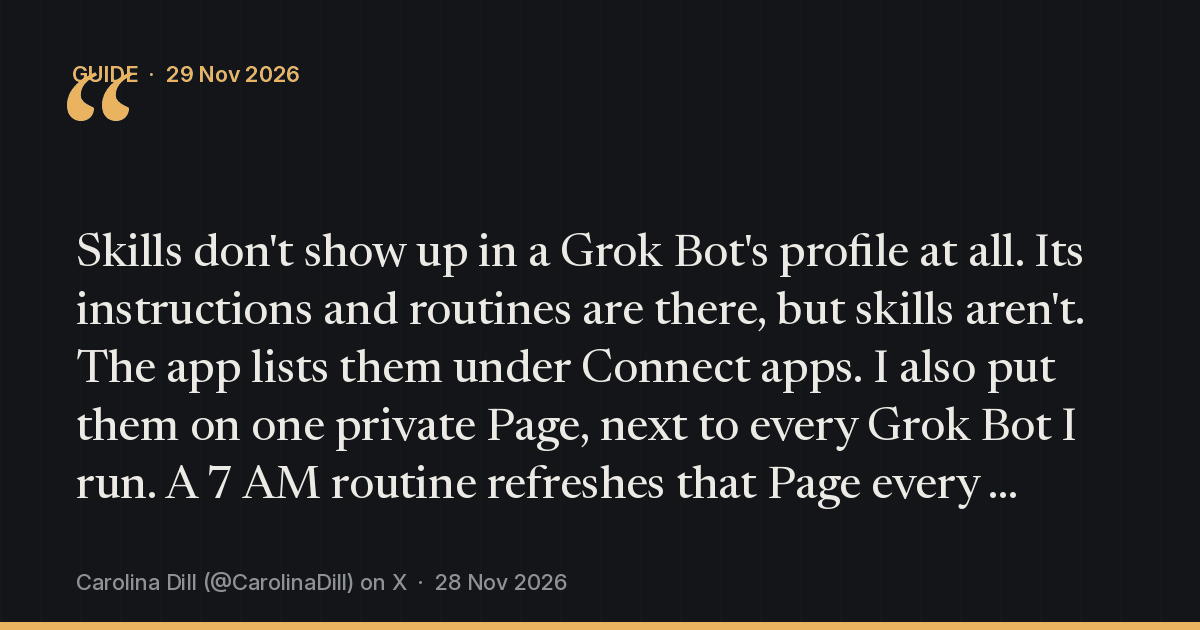
Skills don't show up in a Grok Bot's profile at all.
Its instructions and routines are there, but skills aren't. The app lists them under Connect apps. I also put them on one private Page, next to every Grok Bot I run.
A 7 AM routine refreshes that Page every morning. For each Grok Bot, I can see:
1) Its one-line job
2) Its routines
3) Its latest score from a health check I set up
4) How big its chat has gotten
5) Where my usage went, by Grok Bot and by routine
6) If the Grok Bot needs duplicationShow the full post
Below that is the skills library all my Grok Bots share. A skill isn't tied to one Grok Bot. I save each skill once, and any of my Grok Bots can use it. To use one, I just ask the Grok Bot for it by name or reference.
With the whole fleet and the skills on one Page, it's easy to spot the busy Grok Bots and pick the right skill for a job.
Its instructions and routines are there, but the app lists skills under Connect apps. Her fix is one private Page that sits next to every Grok Bot she runs, refreshed by a 7 AM routine every morning. For each bot the Page shows its one-line job, its routines, its latest score from a health check she set up, how big its chat has gotten, where her usage went by bot and by routine, and whether the bot needs duplicating.
Below that sits the skills library all her bots share. A skill isn't tied to one bot: she saves it once, and any bot can use it when she asks for it by name. In a follow-up she noted that fixing a skill once fixes it for every bot that uses it.
Why it matters
Once you run more than a few bots, visibility becomes the problem. A daily dashboard Page is a cheap way to spot busy bots and runaway usage.
The claims in this story come from Carolina Dill (@CarolinaDill), in a post on X. Read the original post on X.