- Action Button opens a menu of 2-5 bots for hands-free voice chat.
- Optional Touch Bar buttons on older MacBook Pros.
- Asks before each permission change and explains how to undo it.
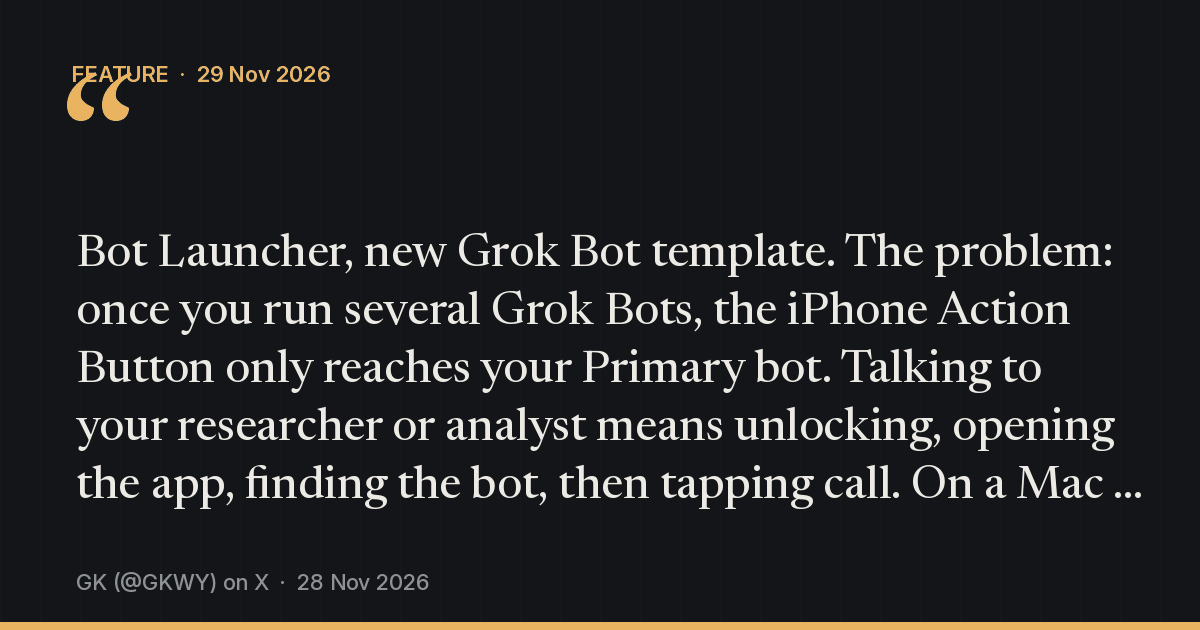
Bot Launcher, new Grok Bot template.
https://t.co/KtzdKIJBRn
The problem: once you run several Grok Bots, the iPhone Action Button only reaches your Primary bot. Talking to your researcher or analyst means unlocking, opening the app, finding the bot, then tapping call. On a Mac it's the same hunt through the sidebar.
What it does:
- iPhone: press the Action Button, a menu of your bots pops up, tap one and the voice chat starts
- Mac: one Touch Bar button per bot, one tap opens that bot's chat (only for MacBook Pro models that still have a Touch Bar; newer ones don't, so skip this part)Show the full post
- You pick 2-5 bots, with icon colours matched to their avatars
- Your Grok Bot can do the iPhone setup for you through iPhone Mirroring, or walk you through it step by step
What you get: the bot you need is one press away, hands-free voice on the go, and no more switching through menus.
It asks before every permission and setting change, and tells you how to undo it.
@grok @bot #GrokBot
Getting to a researcher or analyst bot otherwise means unlocking, opening the app, finding the bot and tapping call. With the template, pressing the Action Button pops up a menu of your bots, and tapping one starts a voice chat. On a Mac, it can add one Touch Bar button per bot, though only for MacBook Pro models that still have a Touch Bar.
You pick two to five bots, with icon colours matched to their avatars. Your Grok Bot can do the iPhone setup for you through iPhone Mirroring or walk you through it, and the template asks before every permission and settings change and explains how to undo it.
Why it matters
Voice access to the right bot in one press makes a multi-bot setup far more usable on the go.
The claims in this story come from GK (@GKWY), in a post on X. Read the original post on X.